

TL;DR
- Weighted scoring makes comparisons reflect what matters to your business: cost, performance, security, or UX.
- Pick a method—equal, expert-assigned, user-driven, or AHP—based on time, data, and stakeholder buy-in.
- Build a spreadsheet matrix, normalize scores, and validate with a short pilot before committing.
- Use the included checklist and copyable comparison table to evaluate vendors consistently across US, EU, and APAC requirements.

Weighted scoring = assigning numeric weights to decision criteria so outcomes reflect prioritized business goals. This article shows how to weight criteria in an AI tool comparison matrix, step by step, with examples for startup CTOs, marketing teams, and enterprise procurement. You’ll get an editable comparison template example, a checklist, regional guidance (US vs EU vs APAC), and a reproducible ai tool scoring matrix you can copy into Google Sheets or Excel.
An objective scoring matrix converts preferences into repeatable decisions, not wishful thinking.
Who this is not for
- If you have only one supplier option, a weighted comparison adds little value.
- If you cannot measure or observe vendor performance on the chosen criteria, weighting will be arbitrary.
- If procurement is fully regulated with fixed scoring rules, follow the mandated approach instead.
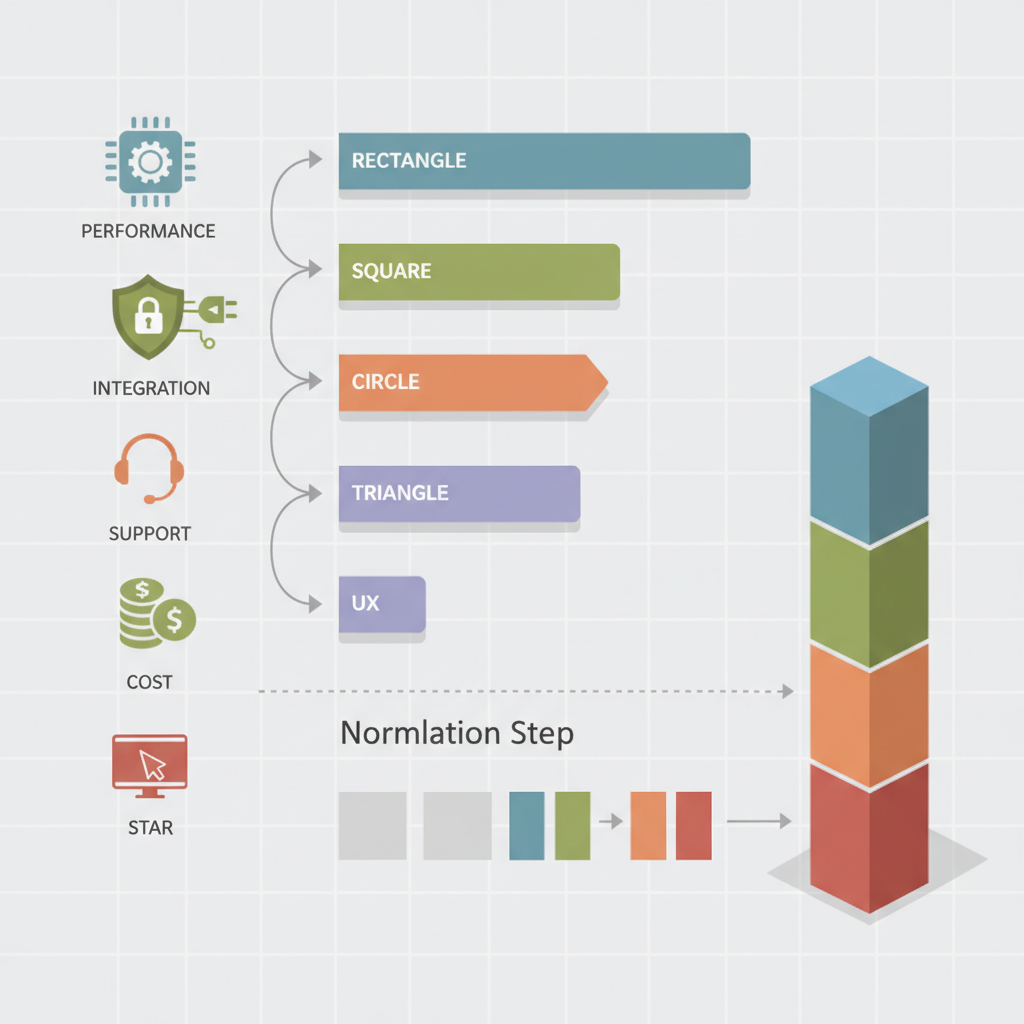
Why weighting criteria matters when comparing AI tools
"Without weights, a simple checklist treats every feature as equal—cost counts as much as compliance—and that produces misleading rankings. Weighting criteria in an AI comparison matrix allows you to surface vendors that best match your prioritized outcomes: lower total cost of ownership (TCO), stronger privacy controls, or faster integration time. For instance, a marketing team evaluating content-generation tools would assign higher weight to output quality and prompt latency, while a CTO prioritizing production stability would weight model observability and uptime more heavily. This approach aligns with the principles outlined in the AI product evaluation framework."
Concrete decision rule: translate priorities into numeric weights that sum to 100 (or 1.0). Example: performance 30, security 25, integration 20, cost 15, support 10 = 100. That rule makes scoring reproducible and auditable across stakeholders.
Regional note: US buyers often prioritize support SLAs and rapid onboarding; EU buyers typically place higher weight on data residency and GDPR compliance; APAC buyers may prioritize pricing model flexibility and local-language support. Include these regional priorities explicitly in your weighting step to keep comparisons meaningful across geographies.
Record weights and rationale before scoring to prevent post-hoc justification from biasing results.
Common comparison categories (performance, cost, security, integration, support, UX)
Start with a consistent set of categories. A practical ai tool scoring matrix usually includes these six:
- Performance: model accuracy, latency, throughput; use measurable thresholds (e.g., P95 latency < 300ms for interactive features).
- Cost: licensing, per-inference fees, hidden data egress; prefer TCO over sticker price.
- Security & compliance: encryption at rest/in transit, GDPR controls, data residency options.
- Integration: APIs, SDKs, authentication methods, deployment options.
- Support & SLA: response time, escalation path, available SLAs.
- User experience: admin console, dashboard clarity, onboarding friction.
Feature weighting ai decisions: break categories into subcriteria when needed (e.g., security → data residency, audit logs, role-based access). That keeps the ai tool scoring matrix granular and defensible.
Choosing a weighting method (equal weights, expert-assigned, user-driven, analytic hierarchy process)
Pick a method that matches your context and resources. Four common approaches work well for vendor selection scoring:
- Equal weights: fastest; useful for exploratory comparisons or when no strong preference exists.
- Expert-assigned weights: domain experts assign weights based on experience; good when you have access to reliable SMEs.
- User-driven weights: collect weights from stakeholders (surveys, pairwise votes) to reflect actual business priorities.
- Analytic Hierarchy Process (AHP): formal pairwise comparison method that converts subjective judgments into consistent numeric weights (see method comparison research).
Example: a 10-person procurement panel can use a simple Google Form to submit relative importance scores; aggregate medians produce robust user-driven weights. For high-stakes enterprise procurement, AHP or expert-assigned approaches provide traceability and justify vendor selection scoring to auditors.
Pros and cons of each weighting approach
Equal weights are transparent and defensible for simple buys, but they ignore priorities. Expert-assigned weights leverage knowledge quickly, but risk individual bias—mitigate by averaging several experts’ inputs. User-driven weights increase stakeholder buy-in but can be noisy; use median or trimmed means to reduce outliers. AHP produces consistent weights and handles many criteria well, but it requires more time and training to run pairwise comparisons. Choose the trade-off that matches procurement risk, time, and required auditability.
Step-by-step: Build a weighted scoring matrix in a spreadsheet
Follow this repeatable process to construct an ai tool scoring matrix you can reuse across categories.
- List vendors as columns and criteria as rows (include subcriteria where needed).
- Assign numeric weights to each criterion; ensure the total equals 100.
- Define a scoring scale (0–5 or 0–10) and clear anchors (0 = no support, 5 = enterprise-grade SLA).
- Score each vendor against each criterion using evidence (docs, demos, benchmarks).
- Multiply each score by its weight and sum to get the weighted total for each vendor.
- Rank vendors and perform a sensitivity check: vary weights +/-10% on top criteria to test stability.
Copyable comparison table (paste into Google Sheets or Excel):
| Criterion | Weight | Vendor A (score) | Vendor B (score) | Vendor C (score) |
|---|---|---|---|---|
| Performance | 30 | 4 | 5 | 3 |
| Security | 25 | 5 | 4 | 4 |
| Integration | 20 | 3 | 4 | 5 |
| Cost | 15 | 4 | 3 | 5 |
| Support | 10 | 4 | 4 | 3 |
| Total (weighted) | 100 | =SUMPRODUCT(B2:B6,C2:C6)/100 | =SUMPRODUCT(B2:B6,D2:D6)/100 | =SUMPRODUCT(B2:B6,E2:E6)/100 |
Normalize scores, handle missing data, combine qualitative inputs
Normalization ensures fair comparison when vendors are scored on different scales. Two common methods: linear rescaling (map min–max to 0–1) or z-score standardization for normally distributed metrics. For the spreadsheet, min-max (score - min)/(max - min) is easiest and effective for most vendor matrices.
Missing data rule: assign the median vendor score for that criterion and flag cells for follow-up. That avoids punishing vendors for unavailable but required data while preserving comparability.
Combine qualitative inputs by converting them into numeric proxies (e.g., demo quality: poor=1, acceptable=3, excellent=5) and document the rubric. Keep the rubric short (2–4 anchors per criterion) so different raters maintain consistency. When multiple raters score the same vendor, record the average and the standard deviation; high variance signals a need for a tie-breaker demo or pilot.
Example matrices for different buyer personas (startup CTO, marketing team, enterprise procurement)
Persona: startup CTO — priorities: low integration friction (weight 35), cost (30), performance (25), support (10). Decision rule: pick the vendor with lowest integration effort unless a vendor surpasses performance thresholds.
Persona: marketing team — priorities: output quality (40), cost per usage (25), UX for non-technical users (20), brand safety controls (15). Use live-content tests with A/B comparisons to validate quality scores.
Persona: enterprise procurement — priorities: security/compliance (35), vendor stability (25), SLA/support (20), TCO (20). Require documented evidence for each claim and include legal review as a pass/fail gate in the matrix (if legal fails, vendor score = 0 for compliance).
Downloadable Google Sheets / Excel template (with instructions)
Instructions to create your copy: open Google Sheets, paste the comparison table above into a new sheet, add vendor columns, and enter raw scores. Add the weight column and apply the SUMPRODUCT formula shown in the table to compute weighted totals. Use conditional formatting to highlight top 2 vendors.
Checklist to use with the template:
- Define decision owner and approval chain.
- Agree weights and save rationale in a separate sheet.
- Collect evidence: benchmarks, screenshots, support policy PDFs.
- Normalize numeric metrics and document method.
- Run a 2-week pilot for top 2 vendors and record objective outputs.
How to validate your weighted result with a pilot or trial
Validation reduces the chance that your weighted ranking missed practical issues. Run a short pilot that maps directly to the highest-weighted criteria: if integration was weighted highest, run a PoC that exercises API workflows; if output quality was highest, run a content generation batch and measure human-rated accuracy.
Design the pilot with clear success thresholds—for example, for a conversational AI, require >=90% correct intent classification on a 200-utterance test set or a P95 latency under 300ms. Collect quantitative metrics and a subjective usability score from end users. Compare pilot results to matrix predictions; large discrepancies should trigger weight or rubric adjustments and a re-score.
FAQs and common mistakes to avoid
What does it mean to weight criteria in an ai tool comparison matrix (+ downloadable template & examples)? Weighting criteria ai comparison matrix means assigning numeric importance values to each decision criterion so the final vendor ranking reflects business priorities.
How do you weight criteria in an ai tool comparison matrix (+ downloadable template & examples)? You weight criteria by selecting a method (equal, expert, user-driven, or AHP), assigning numeric weights that add to 100, scoring vendors against a documented rubric, multiplying scores by weights, and summing to produce weighted totals.
Common mistakes to avoid:
- Not documenting the weight rationale—this makes decisions hard to defend.
- Mixing raw and normalized metrics—always normalize before weighting.
- Ignoring sensitivity testing—small weight changes can flip rankings.
- Using too many criteria—limit to 6–12 to keep scoring reliable.
Conclusion: When to use weighted vs unweighted comparisons
Use unweighted comparisons for quick, informal scans or when all criteria truly matter equally. Use a weighted approach when you need repeatable, auditable, and stakeholder-aligned vendor selection scoring—especially for multi-stakeholder purchases or regulated procurements. Weighted scoring clarifies trade-offs and produces defensible decisions; unweighted lists risk promoting vendors that excel at low-priority features.
Quotable summary: "Weighted scoring converts subjective preferences into measurable decisions." Apply the spreadsheet template, run a short pilot tied to top-weighted criteria, and update weights based on pilot evidence to ensure the final vendor choice performs in production.