
What is an ai tool total cost of ownership template and which one should you use?
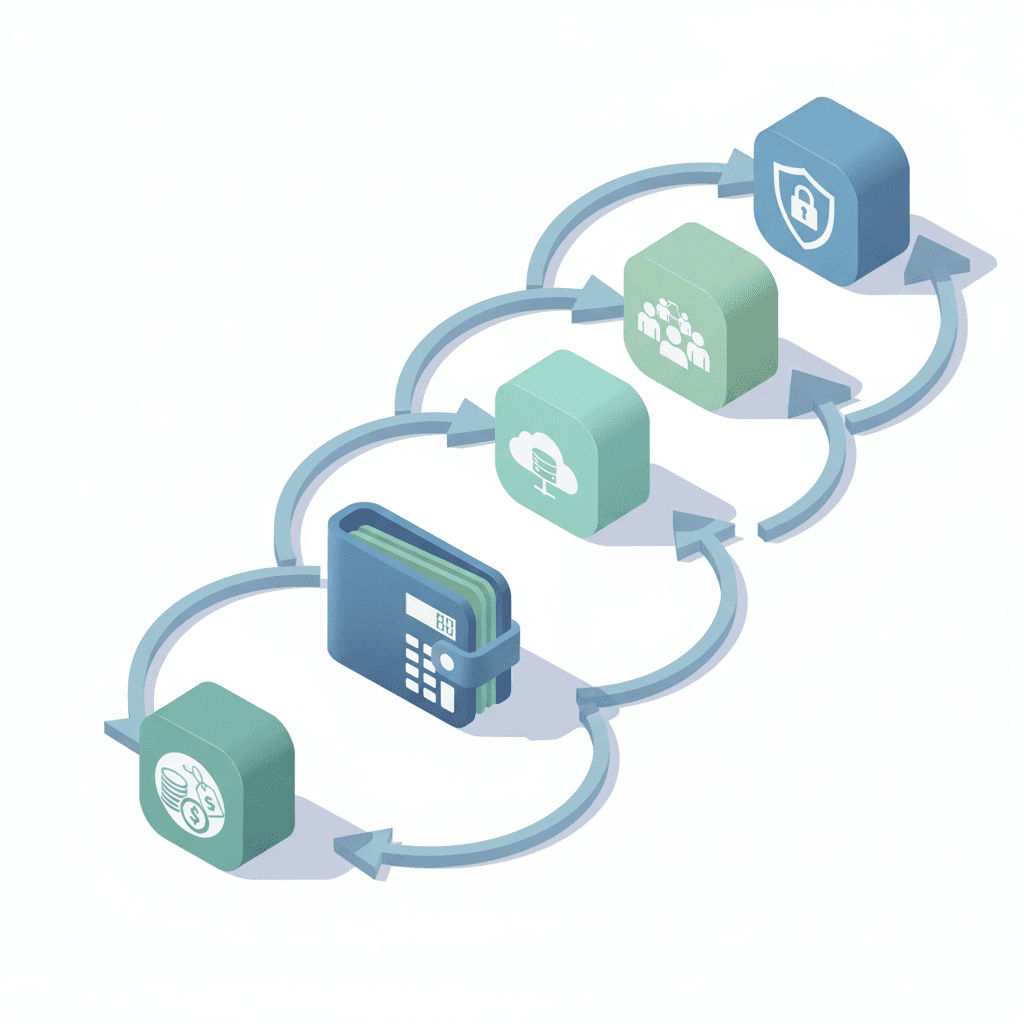
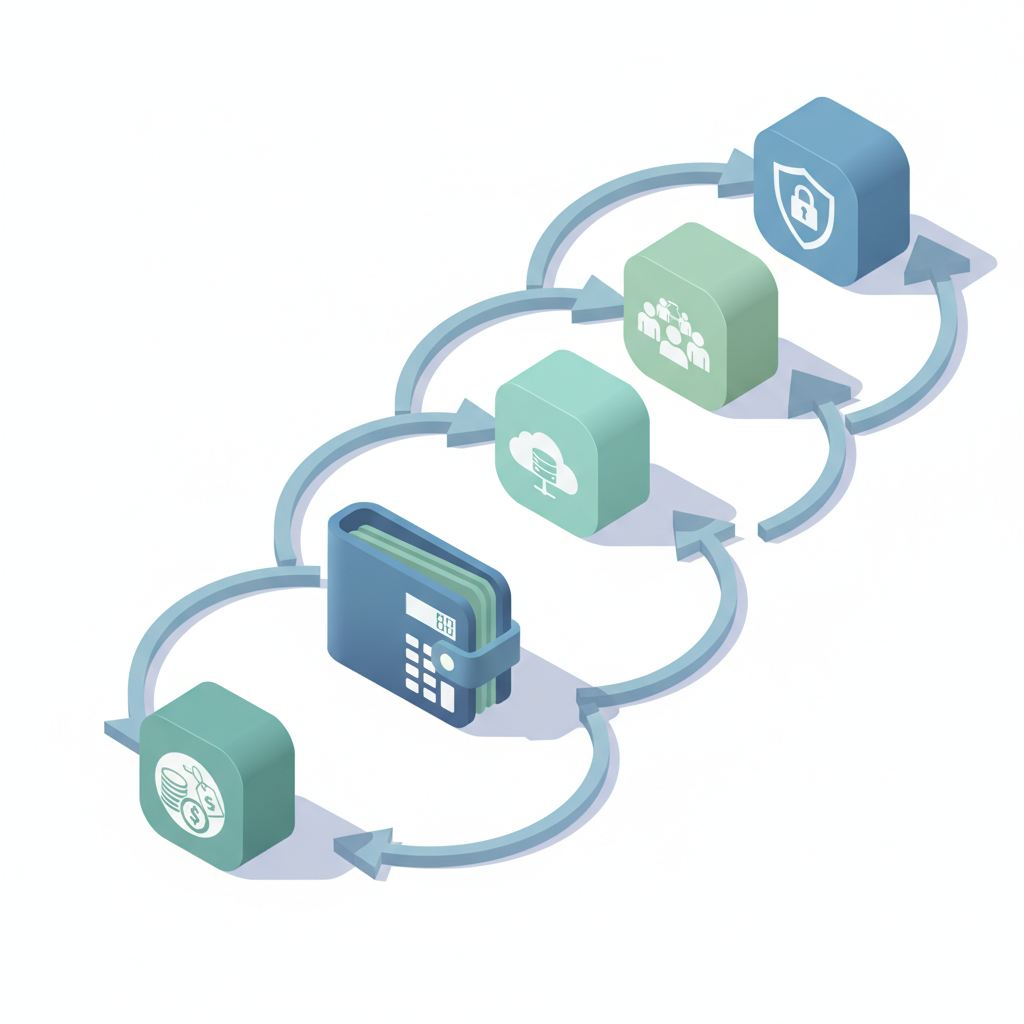
An ai tool total cost of ownership template helps you compare vendors by adding acquisition, implementation, operations and compliance costs over a set time horizon. Use it to convert vendor quotes and internal estimates into a single annualized number you can compare across options.
AI TCO = all costs across acquisition, implementation, operations and compliance over a chosen time horizon (typically 1–3 years). For website owners, marketers and developers this template makes trade-offs visible: a cheaper monthly API can still cost more after engineering, hosting, and compliance are included.
Why TCO matters more than sticker price for AI tools
Sticker price hides the real work. A headline API price or SaaS license is only the start; you must add integration, hosting, monitoring and legal expenses to understand long-term impact. When shortlisting AI tools, focus on the full run-rate rather than the per-call or per-seat cost alone. For more on this, see How to evaluate ai tools.
For example, a low-cost image-generation API may charge low per-image fees but require significant engineering for rate-limiting, caching, image validation and storage. A more expensive platform with built-in batching, SDKs, and hosted inference may reduce monthly engineering time by a full developer-week, which can quickly offset higher API fees.
Regional rules change the math: EU cloud egress costs and GDPR-related data handling impose both recurring expenses and one-time legal engineering work; U.S. implementations may pay less in regulatory overhead but face sector-specific rules (healthcare, finance) that add their own costs. When considering these factors, it’s essential to incorporate region-specific compliance into your AI tool total cost of ownership template, as outlined in our AI Tool Procurement & Adoption Playbook.
Components of AI TCO (H3 breakdown of upfront, implementation, running, and hidden costs)
This section breaks TCO into clear buckets so you can map line items into a template. Each H3 below corresponds to a column or cost line in your spreadsheet.
Licensing and subscription fees
Licensing includes per-seat SaaS fees, API call costs, and reserved capacity. Convert all vendor pricing into a consistent unit—monthly or annual—and include any setup or minimum commitment fees. Example entries for the template: monthly API calls (x calls/month * $ per call), reserved GPU hours billed monthly, and enterprise support packs billed annually.
Quotable: "List recurring license and subscription fees as annualized amounts to compare apples to apples."
Integration and engineering effort
Account for design, API integration, testing, and feature work. Use a simple rule: estimate engineering hours for prototype, production integration, and ongoing feature work. For a typical website feature, target P95 latency < 300ms for user-visible calls, and budget 80–160 engineering hours for initial integration if custom UI and validation are required. Multiply hours by your blended engineering rate and include recruiting or contractor fees if needed.
Hosting, inference, and data egress costs
Hosting covers cloud VMs, managed inference, storage, and network egress. If you self-host models, include GPU instance hours and storage I/O; if you use vendor-hosted inference, include per-inference or token costs. Add a sample sensitivity table (below) to expose how costs grow with usage.
| Component | Low usage | Medium usage | High usage |
|---|---|---|---|
| API calls / month | 10k | 100k | 1M |
| Monthly inference cost | $300 | $3,000 | $30,000 |
| Hosting & storage | $50 | $200 | $1,000 |
| Data egress (EU vs US) | $20 | $200 | $2,000 |
Ongoing maintenance and model updates
Maintenance includes monitoring, retraining, model evaluation and patching. Define a cadence (quarterly or monthly) and estimate hours per cycle: e.g., 16 hours/month for monitoring and minor updates, 80 hours/quarter for retraining and validation. Include third-party model update fees and the cost of A/B testing and rollback procedures in the template.
An AI prototype is production-ready only when failures are predictable, recoverable, and cheaper than the value the system delivers.

Training, change management and productivity impacts
Training includes staff onboarding, documentation, and productivity loss during the learning curve. Quantify: number of users × training hours × average hourly rate. Also estimate short-term productivity drops: assume a 5–15% efficiency hit for 2–4 weeks after rollout. Capture productivity improvements expected over 6–12 months as negative costs (savings) in your spreadsheet.
Compliance, legal and insurance costs
Include GDPR assessments, data processing agreements, legal review hours, and potential cyber insurance premium increases. For EU deployments, add data localization costs and higher egress fees; for U.S. regulated industries, add HIPAA or FINRA compliance work. Put legal estimates under one-time and recurring columns so procurement sees both immediate and ongoing impacts.
Track compliance costs as recurring line items, not one-time checkboxes; compliance tasks often recur annually.
How to collect vendor estimates and validate numbers
Request standardized quotes from each vendor: billing examples for specified monthly usage, SLA and support tiers, and an itemized list of optional charges. Ask for a simple test invoice: "Provide projected monthly costs for 100k API calls and 10GB data egress." Cross-check vendor numbers by running a short pilot and comparing real bill samples to estimates. Validate engineering estimates with time-tracking from prior projects or contractor proposals.
When you collect quotes, require clear assumptions: data residency, peak concurrency, model size and expected token counts. Use those assumptions as input cells in your ai procurement cost template so everyone reviews the same scenario.
Step-by-step TCO comparison process with sample calculations
Run a four-step process: 1) define baseline usage and time horizon, 2) populate cost buckets for each vendor, 3) annualize costs and compute NPV if needed, 4) compare and rank. Example calculation: annualized engineering = (initial integration hours × hourly rate) + (annual maintenance hours × rate). Add licensing and hosting to get total annual TCO.
Include a decision matrix table in your spreadsheet with columns: vendor, annual TCO, estimated downtime risk, compliance complexity, and qualitative fit. Sort by annual TCO then apply threshold filters (see Decision thresholds section).
Sensitivity analysis: how cost changes with scale and usage
Build three scenarios in the template: low/expected/high. For each scenario, recalc per-call or per-token costs and hosting needs. Sensitivity helps you see when a cheaper vendor becomes expensive at scale (for example, when per-call fees dominate after 500k calls/month). Use percentage change columns and highlight break-even points in the spreadsheet for featured snippets.
Decision thresholds: when higher cost is justified by value
Set concrete thresholds to accept higher TCO: 1) uptime & SLA justify +20% cost if downtime exceeds revenue impact, 2) security/compliance requirements justify +30% if vendor reduces legal exposure, 3) developer time savings justify +50% if integration saves >160 engineering hours per year. These thresholds become rules in procurement decisions and should appear as colored cells in your ai procurement cost template.
Ready-to-download TCO spreadsheet and how to use it
Provide a spreadsheet with these sheets: assumptions, vendor inputs, scenario analysis, sensitivity, and final ranking. Include these copyable artifacts:
- Launch checklist: 1) Confirm usage baseline; 2) Obtain itemized vendor quotes; 3) Run 30-day pilot; 4) Validate legal and security assumptions; 5) Finalize contract and SLA.
| Sheet | Purpose |
|---|---|
| Assumptions | Centralize usage, region, rates, and engineering rates |
| Vendor inputs | Line-by-line costs from each vendor |
| Sensitivity | Automated low/med/high scenarios |
Use the spreadsheet to compare ai tool tco, compare ai tools cost, and assess ai vendor costs consistently across rounds.
Example case study: comparing 3 image-generation APIs across TCO
Illustrative example: three vendors with different pricing/models. Populate the template with per-image cost, engineering hours for validation and moderation, hosting for assets, and legal review for EU users. After annualizing, Vendor B (mid-price) may win because it reduces moderation engineering and lowers storage egress—an outcome only visible after full TCO comparison.
How to present TCO to procurement and leadership
Present a one-page executive summary: ranked TCO, key assumptions, sensitivity break-even, and decision thresholds. Show the simplest metric first—annual TCO—then back it with assumptions and scenario charts. Call out non-financial factors (time-to-market, compliance complexity) as adjacent decision criteria rather than buried line items.
Conclusion and next steps
Use an ai tool total cost of ownership template to turn vendor quotes into comparable annualized numbers, include region-specific compliance costs, and run scenario analyses before shortlisting. Start with a pilot, capture real invoices, and iterate your template after the first 60 days of production use.
FAQ
What is shortlisting ai tools by total cost of ownership? Shortlisting ai tools by total cost of ownership is the process of ranking AI vendors using a template that aggregates acquisition, integration, operations and compliance costs over a chosen time horizon.
How does shortlisting ai tools by total cost of ownership work? It works by defining consistent usage and regional assumptions, collecting itemized vendor quotes, estimating internal engineering and operational costs, annualizing all items in a spreadsheet, and comparing scenarios to reveal true cost and break-even points.