

Which questions should marketers ask when comparing AI image & photo editor pricing tiers?
Answer: Use an ai image editor pricing checklist that compares usage quotas, overage billing, rights, team features, integrations and support to reveal true cost and operational risk. Start by estimating monthly image volumes and the models you’ll use, then map those needs to each tier’s quotas and overage rules.
Below you’ll find a practical, vendor-ready checklist (12 questions) and step-by-step use guidance so you can evaluate ai photo editor pricing across vendors without surprises.
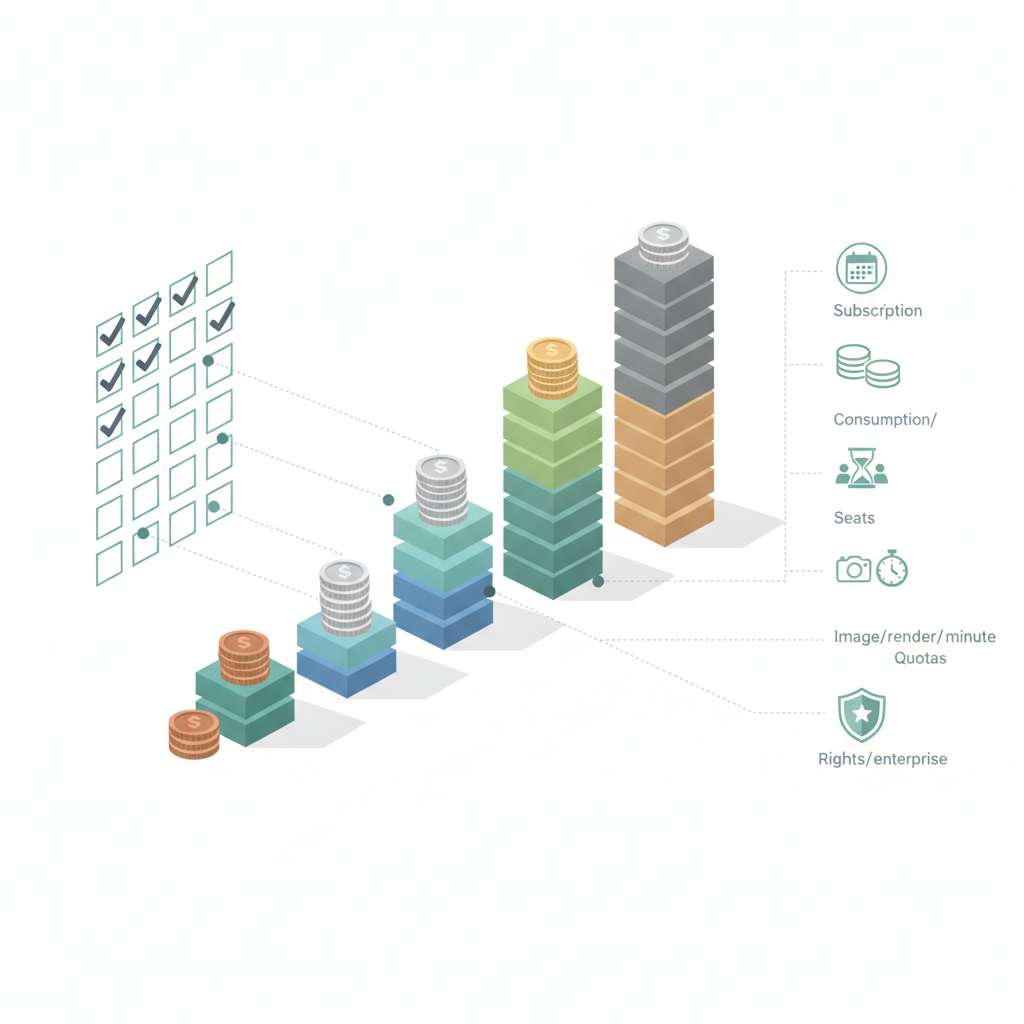
Why pricing tiers matter for marketing teams
Pricing tiers are not just price labels — they bundle usage, features and support in ways that affect campaign velocity, cost predictability and legal risk. For a marketing team that runs daily creative tests, an apparent $20/mo “Pro” plan can become expensive if the tier caps on high-resolution renders or limits API access. For more on this, see Ai creative tools buying guide.
Practical example: a marketing team that runs 3 campaigns a month, each with 200 image variants, should estimate 600–1,200 edits/month. If a vendor’s pro tier includes 500 image edits, you’ll either pay steep overages or be forced to upgrade to a $200+/mo team tier. That outcome changes acquisition cost per creative and hurts experimentation cadence.
Who this is NOT for: this checklist is not designed for hobbyists who produce fewer than 50 images per month, nor for teams that will never use API or enterprise integrations.
Quick overview — common pricing models (subscription, credits, consumption, seat-based, enterprise)
Most vendors combine models: a subscription for UI access, credits for heavy generative renders, and consumption billing for API calls. Global price bands commonly range from free tiers ($0/mo) to pro tiers ($10–$50/mo) and team/enterprise tiers ($100–$1,000+/mo). Many AI image editors use hybrid pricing—subscription plus credits—resulting in per-image costs that can vary from ~ $0.01 (simple edits) to $0.50+ (high-res, advanced models) depending on model and compression.
Regional note: VAT/GST and per-seat contracts can add 10–25% depending on country, and vendors that bill in EUR vs USD can change your effective cost by currency fluctuations.
When comparing pricing tiers ai image editor, track three concrete numbers: included monthly edits, per-edit overage, and API call cost per 1,000 calls. Those three thresholds let you convert vendor packaging into a per-image line item for your budget.
Measure cost per meaningful unit (final high-res image) not per API call; it reveals the real bill.

The 12-question checklist (each as H3 with explanation)
Use these questions as interview prompts with each vendor and as columns in a comparison spreadsheet. Copy the checklist and score vendors 0–3 on each item.
What are included usage quotas and how are they measured? (images, renders, minutes)
Ask vendors to define quotas in precise units: is a 2-minute render one “minute” or prorated? Does a single multi-variant export count as one image or multiple? Convert quotas to your team’s terms: final exported images per month. Example conversion rule: treat a 4-variant export as four edits when estimating volume. Record included quotas and how they measure work—images, credits, render minutes, or streaming minutes—so you can compare apples to apples.
How are overages billed and what are typical overage rates?
Overage rules drive surprise charges. Get concrete per-unit overage rates (per image, per 1,000 API calls, per render minute). Ask whether overages are capped or whether they trigger automatic upgrades. A good decision rule: prefer vendors that allow billing caps and provide alerts at 70% and 90% of quota. Document historical overage examples from the vendor if available.
Are creative assets and rights included or restricted by tier?
Confirm who owns derivatives and whether assets created on lower tiers are restricted for commercial use. Some tiers allow full commercial rights only at business/enterprise levels. Ask for a short, quoteable clause from the terms that explains asset ownership so legal can review quickly.
Is commercial use and redistribution allowed at each tier?
Commercial use is distinct from ownership. Verify redistribution rights (reselling, embedding in paid products) and whether attribution is required. If you plan to sell templates or include generated images in paid products, insist vendors confirm commercial redistribution is allowed at the tier you intend to buy.
Does the tier include team management features and seats?
Check how seats are counted, whether role-based access is included, and if audit logs or SSO is available. A common pitfall: per-seat fees plus restricted seats on pro plans can double costs. For teams, calculate per-seat unit economics and factor in seat discounts for annual billing.
Are API calls or integrations gated behind higher tiers?
Many vendors put API access, webhooks, or third-party integrations behind team or enterprise tiers. If you plan to automate creative generation, treat API access as a required feature and score vendors that gate APIs lower. Ask if API rate limits differ by tier and capture those limits as RPS or calls-per-minute.
How is data used/stored and what privacy protections apply?
Ask about storage retention, model training usage, and deletion policies. For marketing assets containing PII or client logos, confirm whether the vendor uses uploaded images to train public models or keeps data private. Request a Data Processing Addendum (DPA) or clear privacy clause and note whether data at rest is encrypted.
Are training/fine-tuning credits included or extra?
If you intend to fine-tune models or build custom styles, check whether training credits are included or sold separately. Training can be orders of magnitude more expensive than generation, so require a clear price-per-hour or price-per-epoch estimate and whether credits roll over between billing cycles.
Are SLAs, uptime and support levels tiered?
Enterprise tiers often include SLAs, faster response times, and a named account manager. For production pipelines, require an SLA with uptime targets (e.g., 99.9%) and an incident escalation path. If you can’t secure an SLA, include contingency plans and failover thresholds in your brief.
What discounts or annual pricing options exist?
Ask about annual prepay discounts, volume discounts for seats/credits, and pilot pricing for limited tests. Negotiate a 10–20% annual discount for committed spend and confirm whether credits expire. Note currency of billing (USD vs EUR) as that affects effective discount when you convert.
What are cancellation, downgrade and refund policies?
Understand the refund window, whether unused credits are refundable or transferable, and downgrade effects (do you lose access to created assets?). A clear rule: never commit to an annual plan until cancellation and credit refund terms are confirmed in writing.
Price transparency prevents surprise bills: require vendors to show historical usage reports and billing examples.
How to use the checklist in a vendor short-listing workflow (practical steps)
Step 1: estimate your monthly image and API needs (final exports, not intermediate edits). Step 2: for each vendor, fill the 12-question matrix and convert quotas to per-image costs. Step 3: score vendors 0–3 per question and compute a weighted total where cost and API access are heavier weights for developers, and rights and storage weigh more for marketers.
- Gather usage logs for a representative month (images, renders, API calls).
- Map vendor quotas to your usage units and calculate expected monthly bill under low, typical, and peak scenarios.
- Run a 2-week pilot on the cheapest plan that provides required features; log overages and integration friction.
- Negotiate annual discounts and SLA terms for shortlisted vendors using your scorecard.
Copyable checklist artifact: use the 12-question list as column headers in a spreadsheet and compute a per-image effective cost to compare vendors side-by-side.
Example filled checklist (sample vendor comparison table with numbers)
The table below shows how a simple conversion turns vendor packaging into comparable numbers. Replace the sample values with vendor responses from your RFP.
| Vendor | Included edits/mo | Overage / edit | API access | Commercial rights | Score (0–36) |
|---|---|---|---|---|---|
| Vendor A | 500 | $0.05 | Yes (rate 1000/m) | Yes | 28 |
| Vendor B | 2,000 | $0.02 | Limited | Yes (enterprise) | 30 |
| Vendor C | 100 | $0.10 | No | No | 15 |
Conclusion and next steps (scorecard & contact/consult)
Use this ai image editor pricing checklist to turn opaque tiers into measurable comparisons: convert quotas to per-image cost, confirm rights and data use, and prioritize API and team features for automation needs. After running pilots and completing the scorecard, pick the vendor that minimizes cost per final image while meeting legal and operational requirements.
Next steps: prepare a short RFP with the 12 questions, run a 2-week pilot on the lowest-cost tier with required features, and ask for written confirmation on overage caps and data-use terms before signing an annual contract.
References
- Images and vision | OpenAI API
- Compare plans that include generative AI | Adobe Firefly
- Adobe generative AI product specific terms (PDF)
- Canva pricing: Free, Pro, Business and Enterprise plans
- Brand Studio — Stability AI (DreamStudio)
FAQ
What is checklist?
An ai image editor pricing checklist is a structured list of questions and conversion rules used to compare pricing tiers, quotas, overage rules and rights so teams can estimate effective cost and operational fit.
How does checklist work?
The checklist converts vendor packaging into comparable metrics (edits per month, cost per final image, API availability, rights), scores vendors on 12 dimensions, and produces a weighted score to inform procurement decisions.